Avianca Airlines Flight Change Policy – Rescheduling Made Easy
Avianca Airlines Flight Change Policy – Everything to Know Before Reschedule
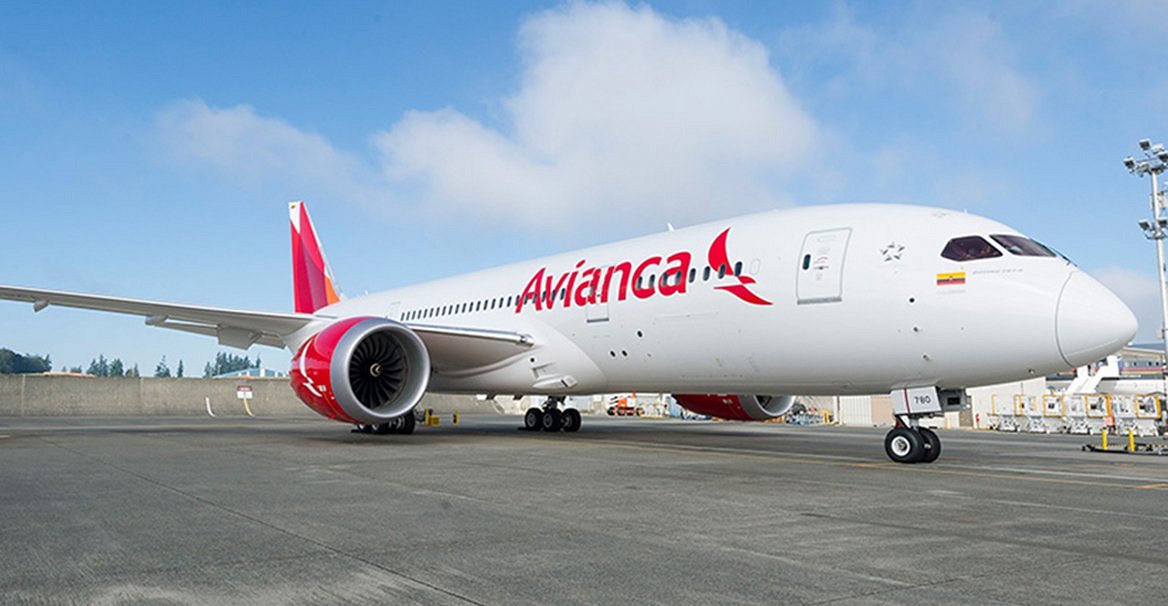
Plans do not always go as expected. Whether you need to fly earlier, push your trip back, or change destinations, Avianca Airlines offers flexible flight change options. But the key is knowing what your fare type allows and how to use their tools effectively. This blog gives you all the essential details on how to change a flight with Avianca, avoid unnecessary fees, and stay in control of your travel.
Are Avianca Flights Changeable
Yes. Avianca Airlines allows passengers to change their flight dates, times, or routes. However, the ability to do so depends heavily on the fare type you selected at booking. Some tickets offer more flexibility than others.
Fare Types and Change Eligibility
Avianca has several fare types, and each comes with its own change rules.
XS Fare
-
Cheapest fare
-
Changes not permitted
-
Non-refundable
S Fare
-
Changes allowed with a fee
-
Fare difference applies
-
No refund for cancellation
M Fare
-
Moderate flexibility
-
One free change may be included
-
Fare difference must be paid
L and XL Fare
-
Highly flexible
-
Changes often allowed at no cost
-
Better refund policies
Always review the fare conditions before booking or log in to the My Trips portal to check your current fare rules.
How to Ch an Avianca Flightange

Changing your flight can be done online, through the app, or by contacting customer support.
Online via My Trips
1 Go to the Avianca website
2 Select My Trips
3 Enter your reservation code and last name
4 Click Change Flight
5 Choose your new date or route
6 Pay any applicable fare difference or fees
7 Receive your updated booking confirmation
This is the fastest and most convenient method.
Through Customer Support
If your booking involves infants, pets, special services, or group travel, use the Avianca call center or visit an Avianca ticket office.
Flight Change Fees
Change fees vary based on fare type, destination, and timing. Some fares allow one free change, while others charge a flat fee.
In addition to the change fee, you will be required to pay the fare difference if your new flight costs more.
Changes made closer to departure are more expensive, and some low-cost fares do not allow any changes.
Same-Day Flight Changes
Avianca does not officially provide same-day flight change options. If you want to travel earlier or later on the same day, you will need to go through the regular change process in advance. Same-day airport changes are not guaranteed and are subject to availability.
What If You Need to Cancel
Avianca allows cancellations for most tickets, but the outcome depends on the fare type.
-
XS fares are non-refundable
-
S and M fares may allow cancellation with a penalty
-
L and XL fares often come with refund eligibility
If eligible, you will receive a refund to your original form of payment or as a travel voucher, depending on how and where you booked.
Travel Vouchers and Credits
When a refund is issued in the form of credit, you receive an Avianca voucher valid for future bookings. These are usually valid for one year and must be used by the same passenger. You can apply the voucher online when booking your next flight.
LifeMiles Booking Changes
If you booked your flight using LifeMiles:
-
Changes are allowed but may come with a service fee
-
Fare differences in miles apply
-
Go to your LifeMiles account and manage your reservation from there
Some promotional mile tickets may be non-changeable.
Name Corrections and Passenger Info
Minor name corrections such as fixing spelling errors can be made before check-in. Full name changes or ticket transfers are not allowed.
To correct your name, contact Avianca customer service with your booking reference and valid ID.
Tips to Avoid Flight Change Issues
-
Review your fare conditions before booking
-
Make changes as early as possible
-
Use the My Trips section to self-manage your booking
-
Choose flexible fares if your plans are uncertain
-
Save your confirmation email and travel documents for reference
Customer Support Options
If you need help beyond the website or app, Avianca support is available through:
-
Phone lines in your country
-
Ticket counters at the airport
-
Social media direct messages
-
Email support in certain regions
Having your reservation code handy speeds up the process.
Final Thoughts

Avianca Airlines offers clear flight change policies that depend mainly on your fare type. Using the My Trips tool and acting early are your best strategies to manage changes without added stress or cost. Always check the rules before booking and select the fare that matches your travel needs.
Write a Review
Recent Post
- Air China Flight Change Policy: Manage Your Booking
- Aegean Airlines Flight Change Policy: Reschedule, and Manage
- Vietnam Airlines Flight Change Policy Explained
- Malaysia Airlines Flight Change Policy – Complete Details for Flexible Travel
- Air New Zealand Flight Change Policy
- KLM Royal Dutch Airlines Flight Change Policy
- Saudia Airlines Flight Change Policy – Complete tour with comfort
- Qantas Airways Flight Change Policy Explained in Detail
- Hainan Airlines Flight Change Policy 2025 – Rules, Fees, and Flexible Options
- Virgin Atlantic Flight Change Policy 2025 – Rules, Fees, and Flexibility
- Air Canada Flight Change Policy – A Complete tour for Travelers
- STARLUX Airlines Flight Change Policy – Everything Passengers Should Know
- British Airways Flight Change Policy – A Complete package for Travelers
- Korean Air Flight Change Policy – Complete Rebooking and Flexibility
- Japan Airlines Flight Change Policy
- Air France Flight Change Policy – Easy Guide to Changing or Rebooking Flights
- Japan Airlines Flight Change Policy – Flexible Options for Domestic and International Travel
- Emirates Airlines Flight Change Policy – Flexible Options for Stress-Free Travel
- WestJet Airlines Flight Change Policy Explained for Domestic and International Travel
- SAS Airlines Flight Change Policy Explained Clearly
- Ryanair Flight Change Policy
- Royal Jordanian Airlines Flight Change Policy Explained Clearly
- JetBlue Airlines Flight Change Policy: Flexible Options for Modern Travelers
- Delta Airlines Flight Change Policy: Clear, Flexible Options for Every Flyer
- Qatar Airways Flight Change Policy: Everything You Need to Know to Change Your Booking
- Iberia Airlines Flight Change Policy – Flexible Options When Plans Change
- Copa Airlines Flight Change Policy: Everything You Need to Know to Change Your Booking
- EVA Air Flight Change Policy – Easy Options for Updating Your Trip
- Asiana Airlines Flight Change Policy – Simple Flexible Travel Updates
- Changing Flights with ANA Airlines – Flexible Options for Every Traveler
- Changing Flights with Allegiant Airlines – Complete Travel Flexibility
- Changing Your TAP Portugal Flight
- Southwest Airlines Flight Change – Freedom to Fly (and Re-Fly)
- Singapore Airlines Flight Change Policy – Travel Flexibility with a First-Class Touch
- LOT Polish Airlines Flight Change Policy – Reschedule with Flexibility and Ease
- Volaris Flight Change Policy : Fees, Rules, Same-Day Changes & More
- Swiss Airlines Flight Change Policy and Cancellations terms
- Turkish Airlines Flight Change Policy
- Lufthansa Airlines Flight Change Policy – Reschedule, Modify, or Cancel with Ease
- United Airlines Flight Change Policy: Your Complete Travel Flexibility
- American Airlines Flight Change Policy